

Clarity Corner
Where Design Gets Sharp, Simple, and Purposeful.
what is your
design process?
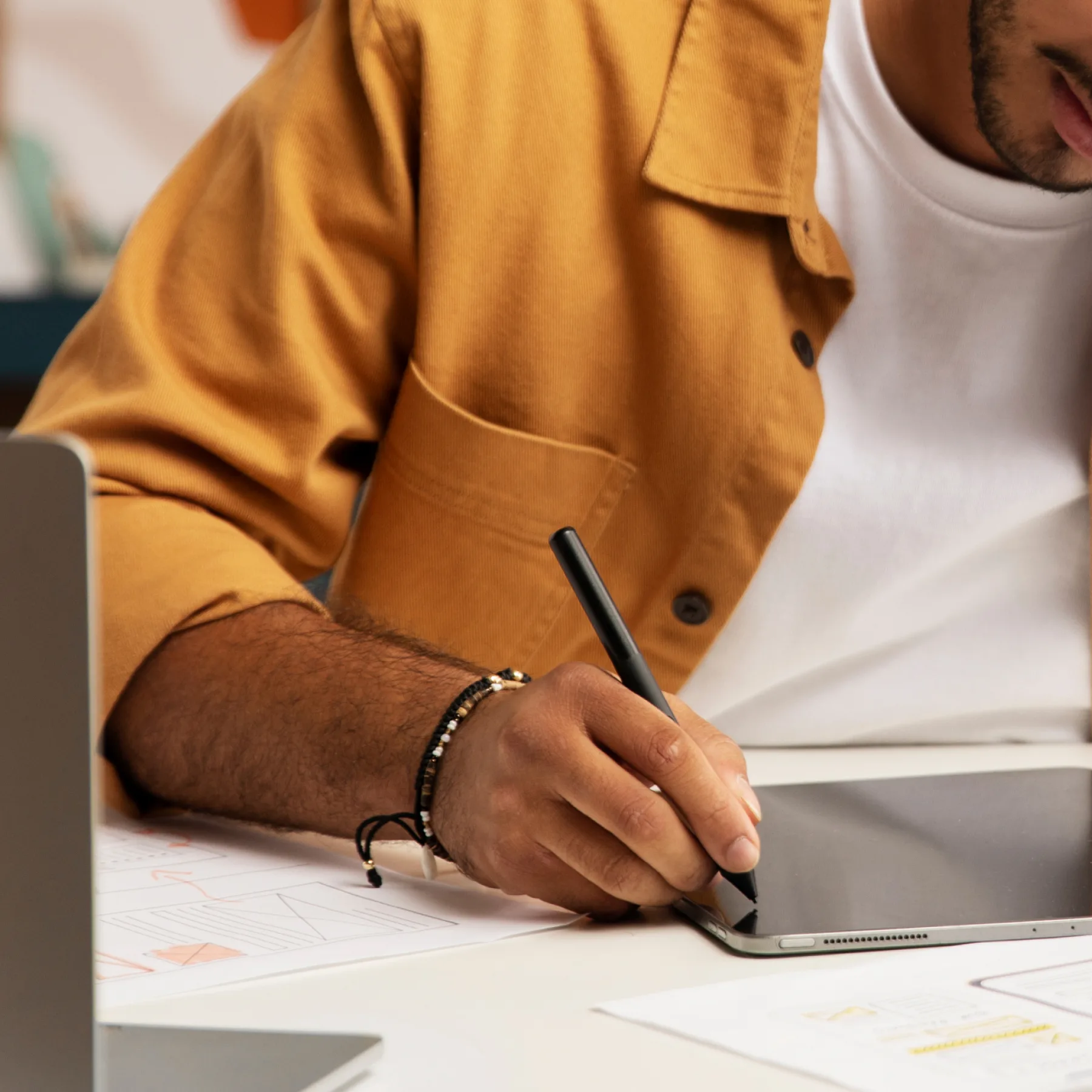
My design process is user-centered, iterative, and deeply collaborative.
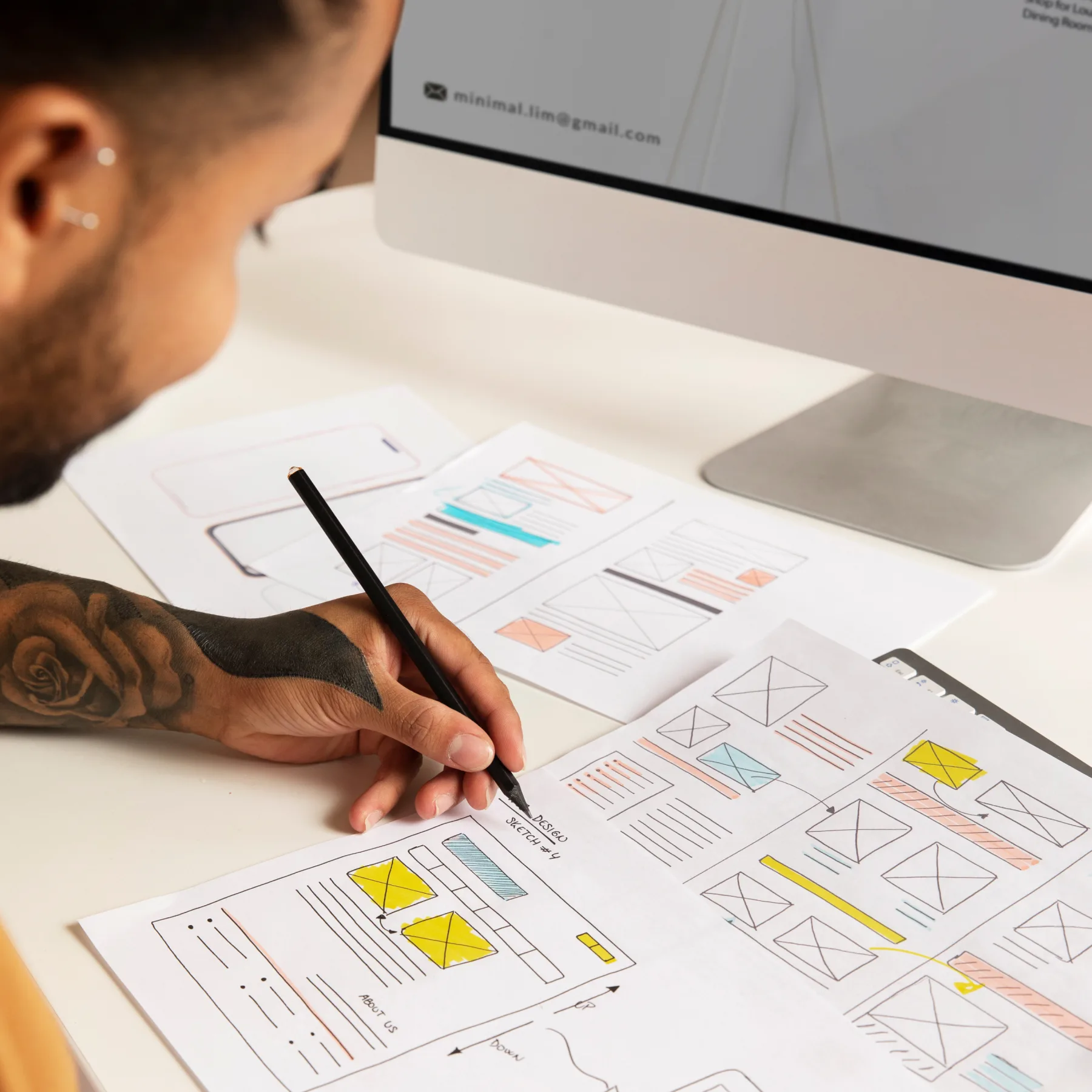
I usually start by understanding the problem — diving into user needs, business goals, and product context. From there, I move into defining key user journeys and structuring the flow. I sketch ideas, build wireframes, and gradually evolve them into clean, high-fidelity designs.
I believe design is a conversation — so I test early, gather feedback, and refine continuously. I work closely with developers and stakeholders to ensure what we build not only looks great but feels intuitive and purposeful.
At the end of the day, it’s about crafting experiences that feel effortless for the user — and meaningful for the brand.
What tools and software
do YOU use for UI/UX design?
I believe tools are there to support ideas, not limit them — so I stay flexible. I choose the right tools for the right phase, team, and project. But ultimately, my focus is always on clear communication, smooth collaboration, and pixel-perfect execution.
For Research & Discovery
Notion – To organize research, create documentation, and collaborate with teams.
Miro – For brainstorming, mapping user journeys, empathy maps, and workshop-style sessions.
Google Forms / Typeform – For user surveys and quick feedback loops.
Maze / Lookback – For remote usability testing and quick user validation.
Miro – For brainstorming, mapping user journeys, empathy maps, and workshop-style sessions.
Google Forms / Typeform – For user surveys and quick feedback loops.
Maze / Lookback – For remote usability testing and quick user validation.
For UX Design
Figma – My go-to for wireframes, user flows, and prototyping. Its real-time collaboration is essential for working with teams.
FigJam – Great for quick sketches, flow diagrams, and collaborative UX sessions.
Axure (when needed) – For advanced prototyping and complex UX logic when high fidelity isn’t enough.
FigJam – Great for quick sketches, flow diagrams, and collaborative UX sessions.
Axure (when needed) – For advanced prototyping and complex UX logic when high fidelity isn’t enough.
For UI & Visual Design
Figma – Again, the core tool for creating high-fidelity interfaces, reusable components, and design systems.
Adobe Illustrator & Photoshop – For creating custom graphics, icons, and detailed visual assets.
After Effects – When I want to bring motion into the design, especially for UI animations and transitions.
Adobe Illustrator & Photoshop – For creating custom graphics, icons, and detailed visual assets.
After Effects – When I want to bring motion into the design, especially for UI animations and transitions.
For Collaboration & Handoff
Figma Dev Mode – Clean handoff to developers with specs, code, and version tracking.
Zeplin – Especially useful for handoff when working with teams using Zeplin-based workflows.
Jira / Asana / Trello – Depending on the team, I integrate design tasks into the dev pipeline.
Slack / Teams – For real-time collaboration, feedback, and async design discussions.
Zeplin – Especially useful for handoff when working with teams using Zeplin-based workflows.
Jira / Asana / Trello – Depending on the team, I integrate design tasks into the dev pipeline.
Slack / Teams – For real-time collaboration, feedback, and async design discussions.
How do you measure
the success of you UX/UI
Design?
For me, successful design is about creating something that’s not just beautiful — but truly usable, effective, and aligned with real user needs. I measure success in a few key ways:
User Feedback
The most direct way to know if a design is working is to hear it from users. Positive feedback, ease of use, and fewer support issues are all strong signals.
Data & Metrics
I look at KPIs like:
Increased conversion or engagement rates
Reduced drop-offs or bounce rates
Time spent on task or completion ratesThese numbers help validate whether the design is meeting business and user goals.
Increased conversion or engagement rates
Reduced drop-offs or bounce rates
Time spent on task or completion ratesThese numbers help validate whether the design is meeting business and user goals.
Usability Testing Results
Before launch, I test with real users to uncover friction points. If users can navigate smoothly and intuitively, that’s a big win.
Team & Stakeholder Alignment
When a design helps the product team move faster, developers build with fewer questions, and stakeholders feel aligned — it’s a success behind the scenes.
Continuous Improvement
also consider a design successful when it creates a foundation for future iterations — not just a one-time solution, but a system that grows with the product.